 Quick ASO
The App Store keyword workbench, native on your Mac.
All eight workbenches in a fast desktop window. It signs in with the same Google account as the web app, so your apps, keywords and plan are already there.
2.3 MB · macOS 26 or later · Apple silicon & Intel · Notarized by Apple
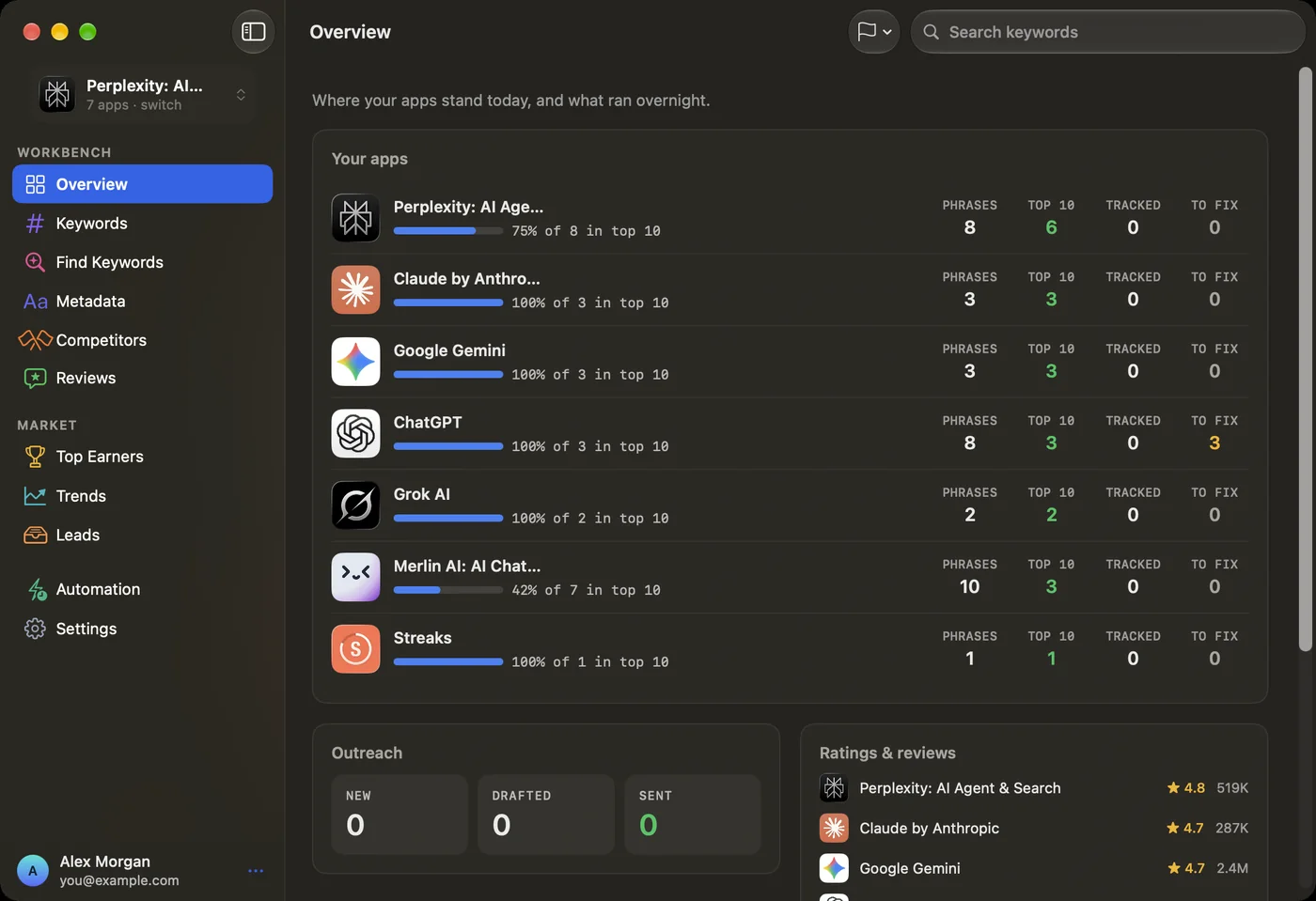
Three steps, about a minute.
Drag it to Applications
Open QuickASO-1.0.1.dmg and drag Quick ASO onto the Applications folder next to it.
Open it
Open Quick ASO from Applications. macOS runs its usual first-open check — Apple has already checked the app for malware — so just click Open.
Continue with Google
Your browser opens. If you’re already signed in on the web you only confirm, then you’re sent straight back to the app.
Compare this SHA-256 checksum with your download’s:
3cdbe0cb569d48d3e7530f0677848aaee33de3daade8fce9b7ca2d8a0ade77e0
In Terminal: shasum -a 256 ~/Downloads/QuickASO-1.0.1.dmg
About the Mac app
Is it the same as the web app?
Does it cost extra?
How do I update it?
Which Macs does it run on?
Is there a Windows version?
Your keywords, one click from the Dock.
Get the native app, or open Quick ASO in your browser — start free either way.